

Precision Colour Printing: How Is Red Ink Revealed
Your red print looks dull or wrong. Clients reject the batch, and you waste paper and ink. The fix starts before the sheet leaves the press.
Red ink is revealed through tight density control, stable press temperature, and a clean post-press process. You check the L a b* values, keep the ink film even, and use machines that do not scratch or smudge the red surface.
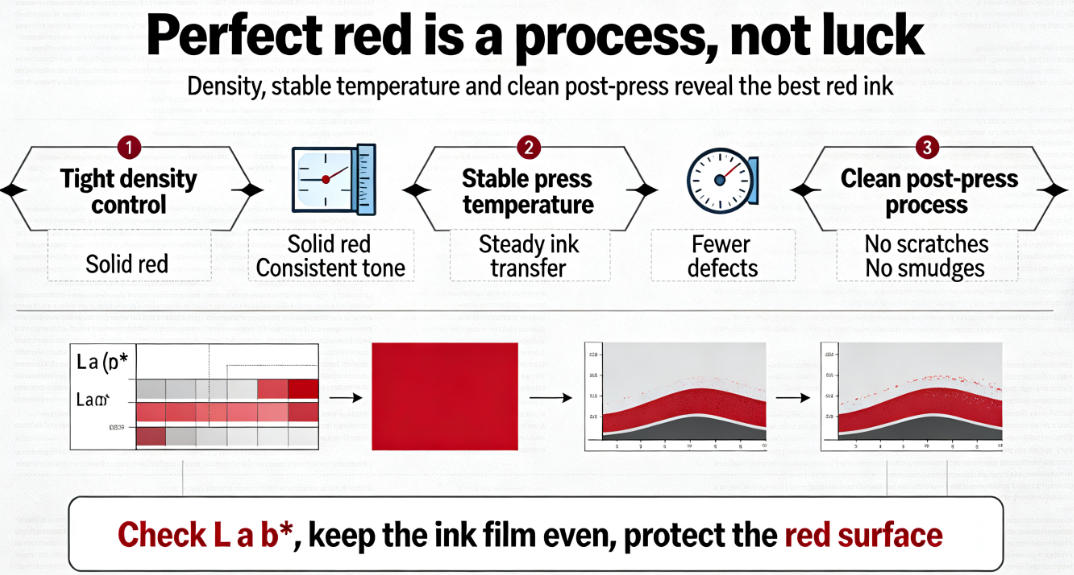
A correct red colour is only half the job. The other half happens after printing, when the sheet becomes a box or a book cover. Keep reading to see how the red stays true all the way to the final product. ## Why is red ink the hardest colour to print with precision? Your red looks orange on one run and purple on the next. Small changes in ink or paper ruin the whole batch. The root cause is not always the press.
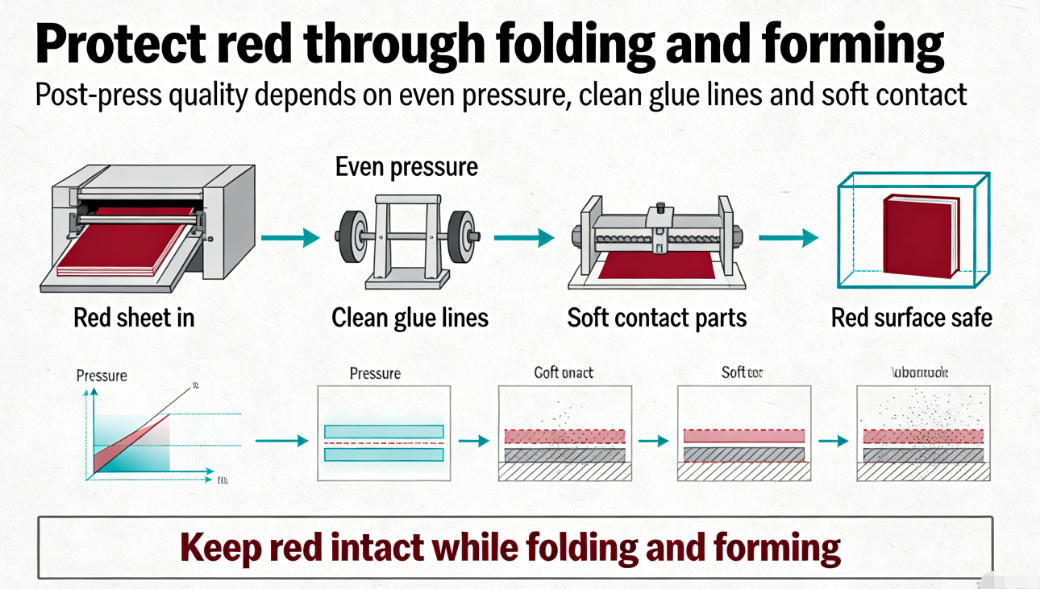
Red ink is hard because it sits between warm and cool tones. A small density shift makes it look orange or magenta. You control it by locking density, pH, and press speed before you run the job.
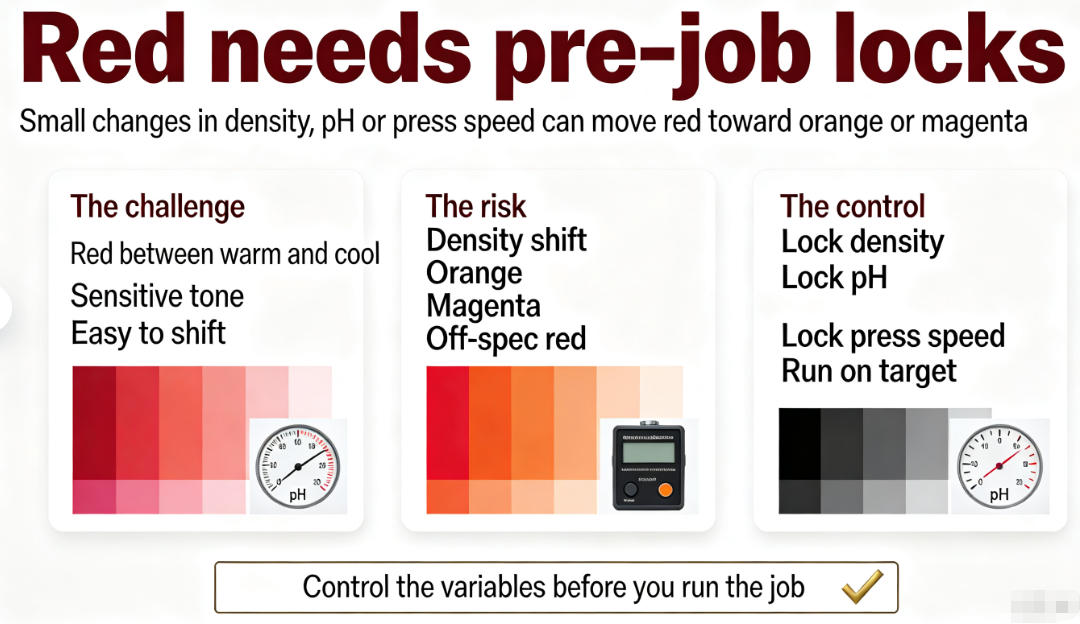 ### What makes red unstable? Red ink sits between yellow and magenta on the colour wheel. A small push one way makes it orange. A small push the other way makes it purple. The paper also changes the result. Coated paper gives a sharper red. Uncoated paper soaks up ink and makes the red look flat.
| I worked with a client in Turkey who ran red packaging for a food brand. The first run looked orange. We checked the press and found the ink temperature was too high. We cooled the ink unit and slowed the speed by 10 percent. The red came back to the target. ### Three numbers that control red | Number | What it does | Target for red |
|---|---|---|---|
| Density | How thick the ink film sits | 1.30 – 1.50 | |
| a* value | Red-green balance | Positive, +45 to +60 | |
| b* value | Yellow-blue balance | Low, around +20 |
You check these numbers on every sheet. If density drops, the red looks weak. If the a value falls, the red turns muddy. The b value tells you if the red is shifting toward orange. ### The paper effect Coated paper holds the ink on the surface. The red looks bright and clean. Uncoated paper pulls ink into the fibres. The red looks darker and less sharp. For luxury boxes, most clients choose coated paper so the red stays true. ## How do post-press machines protect the printed red colour? You print a perfect red. Then the box wrapper scuffs it or the glue smudges it. The colour that looked great on press now looks bad in the box.
Post-press machines protect red by using even pressure, clean glue lines, and soft contact parts. A rigid box wrapper and a hard cover case maker keep the red surface safe while the sheet is folded and formed.
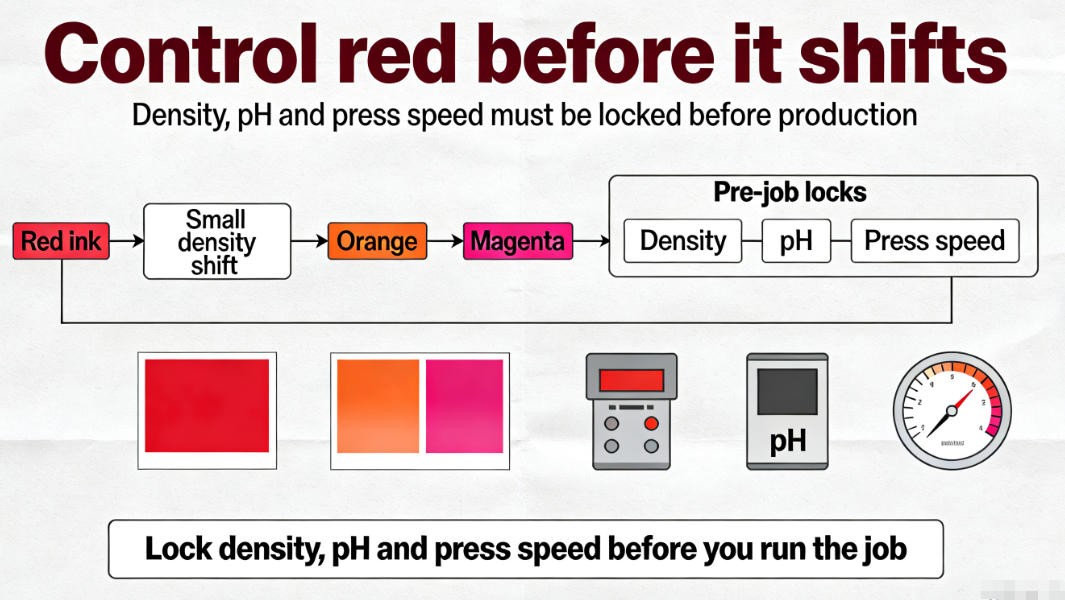 ### Where red gets damaged after printing After printing, the sheet goes through folding, gluing, and pressing. Each step can hurt the red colour. Glue can bleed onto the print. Hard rollers can scratch the surface. Too much pressure can push ink into the paper and make the red look flat.
| I saw this at a client in India. They printed red wine boxes. The boxes looked perfect before wrapping. After wrapping, the red had faint lines across the front. The wrapper's roller was too hard. We changed the roller to a softer one. The lines went away. ### Machines that keep red safe | Machine | What it does for red |
|---|---|---|
| Semi Auto Polygon Rigid Box Wrapper | Wraps the board with even pressure so the red surface does not crack | |
| Ky-380 Hard Cover Making Machine | Folds and presses the cover with controlled pressure so the red stays smooth | |
| Glue Spraying Assembly Machine | Sprays glue only where needed so no glue touches the red print | ### Two simple rules First, set the pressure low enough to form the box but high enough to hold it. Second, make sure glue never touches the printed red area. If you follow these two rules, your red will look the same on the finished box as it did on the press sheet. ## Can hot stamping make red print look more premium? Your red box looks plain next to the competitor's. The print is correct, but it does not feel luxury. A simple upgrade can change the whole look. |
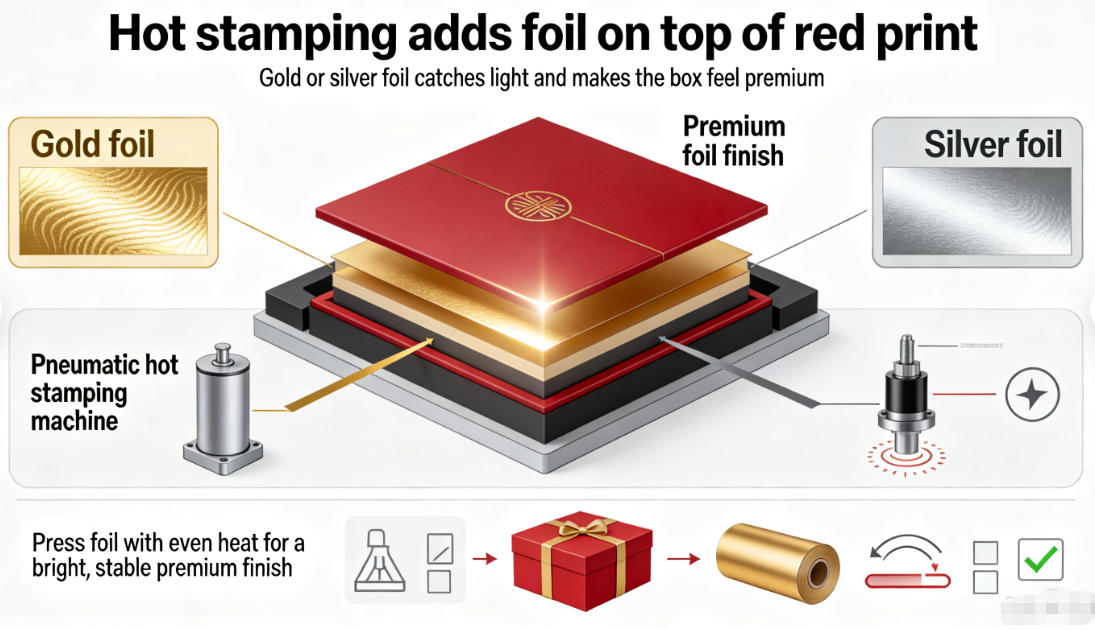
Yes. Hot stamping adds gold or silver foil on top of the red print. The foil catches light and makes the box feel premium. You use a pneumatic hot stamping machine to press the foil with even heat.
 ### Why red and gold work together Red is a strong colour. Gold foil makes it stronger. The two colours together feel luxury and expensive. Cosmetic brands and wine brands use this pair most often. The red covers the box. The gold foil shows the logo or the brand name.
A client in the USA made cosmetic boxes. They used plain red at first. The boxes sold but did not stand out. We added gold foil stamping on the logo. The client told us the boxes looked like a much higher price level. They raised the price by 15 percent and still sold more. ### The Pneumatic Hot Stamping Machine The Pneumatic Hot Stamping Machine presses foil onto paper, leather, plastic, and wood. It uses air pressure so the force is even on every stamp. The temperature goes up to 400°C. You set the right heat for the foil type and the paper type.
| Setting | Value | |
|---|---|---|
| Temperature | 0 – 400°C | |
| Speed | 10 – 50 times per minute | |
| Worktable (small model) | 280 × 350 mm | |
| Worktable (large model) | 350 × 450 mm | ### Three tips for red and gold First, keep the stamp area clean. Dust makes the foil stick wrong. Second, test the temperature on a scrap sheet before the full run. Third, check the foil roll is straight. A crooked roll leaves lines on the red surface. ## How do you check red ink quality after post-press? You run 5,000 boxes. Some have the wrong red. You only find out when the client sends them back. The cost of rework kills your profit. |
You check red after post-press with a CCD camera system. The camera scans each box, reads the colour and the logo, and rejects bad ones. It catches wrong red, missing print, and mixed products before they ship.
 ### Why manual checking fails A worker can check about 200 boxes an hour. After two hours, the eyes get tired. Missed defects slip through. One wrong red box in a shipment can make the whole batch look bad. The client loses trust, and you lose money. ### The CCD Visual Anti-Mixing Detection Equipment The CCD Visual Anti-Mixing Detection Equipment uses two 1.6 megapixel cameras. It scans each box on the assembly line. It checks the barcode, the QR code, the logo, and the print pattern. It also checks if glue is present and if the inner support is in place.
| Feature | Value |
|---|---|
| Cameras | Two 1.6 megapixel industrial cameras |
| Detection speed | Up to 2,500 pieces per hour |
| Qualified rate | ≥ 99.8% |
| Misjudgment rate | ≤ 0.2% |
A client in the Middle East ran red gift boxes for a perfume brand. They had a problem with two red shades mixing on the line. The CCD system caught the darker red boxes and pushed them off the line. The client shipped only the correct red. No returns came back. ### What the camera sees on red The camera measures the colour values of each box. If the red is too dark or too light, the box is rejected. The camera also checks the logo shape. If the gold foil stamp is missing or crooked, the box is rejected. This keeps every box in the shipment the same red shade. ## Conclusion Red ink is revealed by control on press, protection in post-press, and a camera check at the end. Use the right machines and your red will stay true and premium.

发表回复