
What is the easiest way to photocopy a book?
Trying to copy a book can be a real headache. Pages get missed, the spine gets bent, and it takes forever. But there is a much simpler way to do it right.
The easiest way to photocopy a book is by using a specialized book scanner. These machines are designed to handle books gently and capture clear images page by page, often automatically.
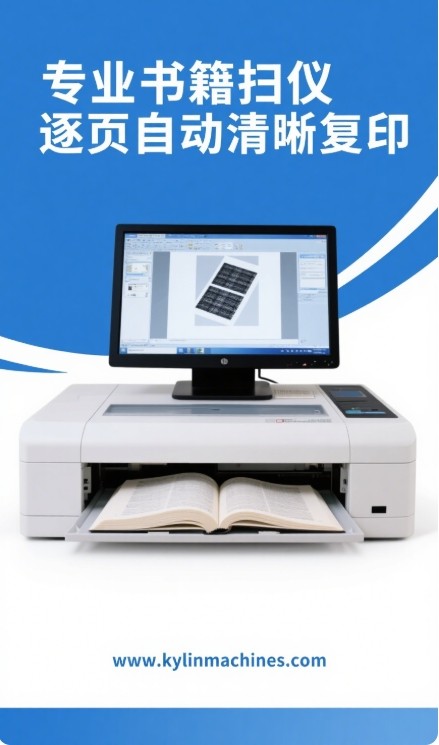
When I first started in the printing and packaging industry, I saw many people struggle with this. They would try using regular flatbed copiers, and the results were often poor. Books, especially valuable or thick ones, deserve better treatment. If you want to get good copies without a fuss, understanding the right tools is key. Let's look at some common questions people have. This will help you find the best solution for your needs.
LOOP START
How to photocopy a book quickly?
Wasting time at the copier is frustrating. Old machines are slow, and manual page-turning takes ages. Luckily, modern solutions can speed things up a lot.
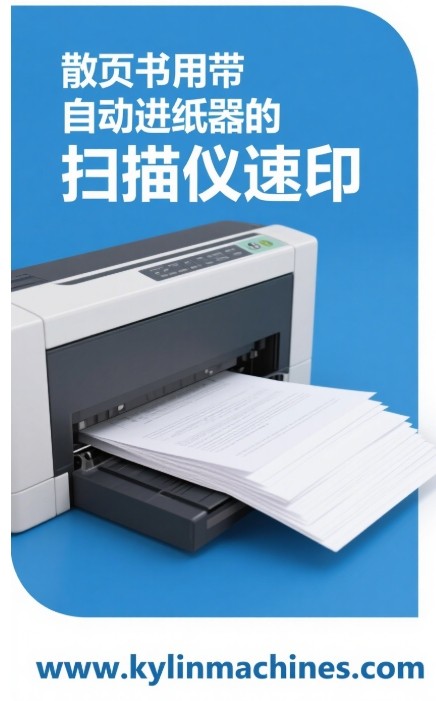
To photocopy a book quickly, use a scanner with an automatic document feeder (ADF) if pages are loose, or an overhead book scanner with fast capture and automated features for bound books.
When we talk about speed in photocopying books, several factors come into play. It's not just about how fast the light bar moves. In my experience working with high-volume machinery at Kylin Machine, efficiency is everything. We build machines that need to process materials quickly and reliably. The same principles apply here.
Understanding Speed Factors in Book Photocopying
The type of machine you use makes the biggest difference.
- Flatbed Scanners: These are common, but slow for books. You have to lift the lid, place the book, scan, turn the page, and repeat. This is very time-consuming.
- Automatic Document Feeders (ADFs): These are fast for loose sheets. But they are not suitable for bound books as they would require you to unbind the book first, which is destructive.
- Overhead Book Scanners: These are often the best for speed with bound books. You place the book underneath, and the camera scans from above. Some models have features like auto page-turn detection or even robotic page turners. This greatly reduces manual effort and time.
- Software Processing: Quick scanning also depends on how fast the software can process the image, correct for curvature, and save the file.
Kylin's Perspective on Rapid Digitization
At Kylin Machine, we specialize in post-press machines like robotic spotters and hybrid solutions for rigid boxes and hard book covers. These machines are built for speed and precision in a production environment. While we don't make book scanners ourselves, I see a direct parallel. The engineering focus on automation and efficient material handling is key. A good book scanner, especially for high-volume tasks, should embody these principles. It should minimize manual steps and maximize throughput, just like our packaging machinery. Think about production lines – every second counts. It's the same when you need to copy a whole book quickly.
| Feature | Impact on Speed | Best For |
|---|---|---|
| Manual Flatbed | Very Slow | Occasional single pages |
| ADF | Fast (for loose sheets) | Unbound documents |
| Overhead Scanner | Moderate to Very Fast | Bound books, delicate items |
| Auto Page-Turn | Significantly Faster | High-volume book scanning |
LOOP END
LOOP START
How do you photocopy a book without damaging it?
Have you ever cringed trying to press a precious book flat on a copier? Damaging the spine or tearing pages is a real worry. There are ways to copy books gently.
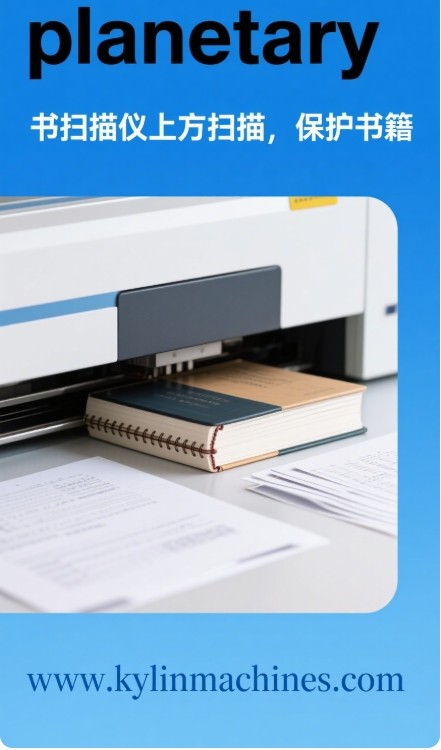
To photocopy a book without damaging it, use an overhead or planetary book scanner. These devices scan from above, so you don't need to press the book flat, protecting its spine and pages.
Protecting the integrity of a book is very important, especially for old or valuable ones. I've seen too many books suffer from rough handling. In our work at Kylin Machine, handling materials carefully is crucial for producing high-quality rigid boxes and book covers. The same care should apply when copying a book.
Common Causes of Book Damage During Photocopying
Understanding how books get damaged can help you avoid it.
- Spine Stress: Forcing a tightly bound book flat on a traditional flatbed copier is the main culprit. This can crack the spine, loosen pages, or even break the binding.
- Page Creasing/Tearing: When trying to get the inner margins close to the scanner, pages can get creased or torn, especially if you're rushing.
- Pressure from the Lid: The copier lid can also apply uneven pressure, potentially harming delicate covers or pages.
- Repeated Handling: Simply flipping a fragile book over and over for each page spread increases the risk of wear and tear.
Protective Features in Modern Book Scanners
Modern technology offers excellent solutions for safe book copying.
- Overhead/Planetary Scanners: These are the gold standard for fragile books. The book rests naturally, often in a V-shaped cradle, and the scan is done from above. There's no contact with the scanning surface and no pressure.
- Book Cradles: Many specialized scanners come with cradles that support the book at an angle (e.g., 90 to 120 degrees), minimizing stress on the spine.
- Edge Detection and Book Curve Correction Software: Smart software can capture the full page, even deep into the gutter, and digitally flatten the curved image. This means you don't need to physically force the book flat.
- Gentle Page Handling: Some advanced systems even have gentle, automated page-turning mechanisms, further reducing manual contact.
At Kylin Machinery, our equipment is designed to handle paper and board with precision to create perfect packaging. We understand the mechanics of how materials flex and behave. This mindset translates to appreciating book scanners that are engineered with similar respect for the item being processed. If a machine can assemble a complex rigid box with precision, a scanner should be able to capture a book's page without harming it.
LOOP END
LOOP START
Can you photocopy a whole book?
Thinking about copying an entire book might seem like a huge task. You might wonder if it's even possible, or if it's allowed. Good news, it is technically doable.
Yes, you can photocopy a whole book using dedicated book scanners. However, always be mindful of copyright laws and permissions before copying an entire copyrighted work. It's generally for personal or archival use.
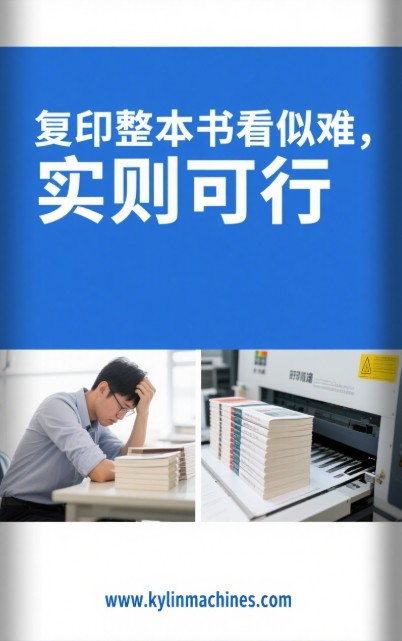
Copying an entire book is a commitment. I've talked to many clients in the printing and bookbinding industries who sometimes need to digitize entire volumes for various reasons. The question isn't just can you, but how and why.
Technical Feasibility of Whole Book Photocopying
Modern scanners are certainly up to the task of capturing every page of a book.
- Continuous Scanning: Many book scanners are designed for continuous operation. You can scan page after page, and the software compiles it into a single document or multiple files.
- Batch Processing: Good scanning software allows for batch processing. This means you can scan all pages and then apply corrections, OCR (Optical Character Recognition), or formatting to all of them at once, saving significant time.
- Storage Capacity: Digital files of whole books can be large, but modern computers and cloud storage can easily handle them.
- Dedicated Book Scanners: As mentioned, overhead scanners are ideal. They allow you to work through a book methodically, page by page or two pages at a time, without needing to unbind it. While some high-speed sheet-fed scanners could technically scan a disassembled book very quickly, that's usually not the preferred method for preserving the original.
Important Considerations Beyond Technology
While the technology exists, there are other critical points to think about.
- Copyright Law: This is the most important non-technical consideration. Photocopying a whole book, especially for distribution or commercial use, can infringe on copyright. I always advise my clients to be extremely careful and ensure they have the right to copy the material. This often means it's for personal study, archival purposes if you own the original, or if the work is in the public domain.
- Time Investment: Even with a fast scanner, copying a thick book takes time and attention. It's a project.
- Purpose of Copying: Why do you need the whole book copied? For personal backup? For research where you need a searchable digital copy? To preserve a rare or fragile item? The purpose will often dictate the best method and the level of quality needed.
In our work at Kylin Machine, we deal with entire book blocks when producing hardcovers. Our machines are designed to handle these efficiently. This industrial perspective makes me appreciate scanners that can also process an entire book's worth of pages smoothly and reliably, mirroring the efficiency we strive for in the physical production process.
LOOP END
LOOP START
What is the easiest way to scan a book?
You want to scan a book, but you need it to be simple. Complicated setups and confusing software are no fun. The good news is, scanning a book can be quite easy.
The easiest way to scan a book is by using an overhead book scanner with user-friendly software, automatic page detection, and features like auto-flattening. These minimize manual adjustments and simplify the process.
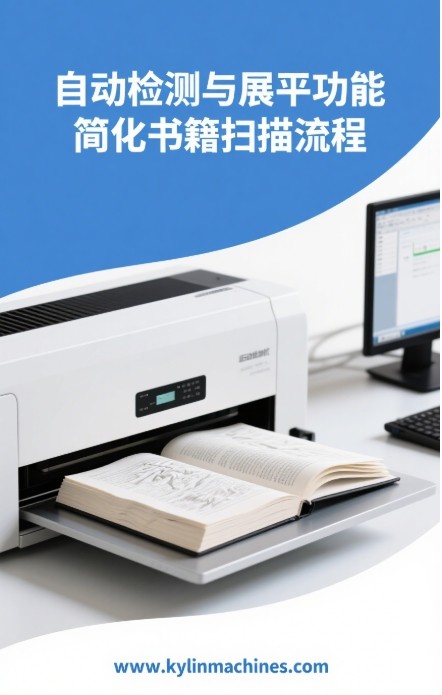
Making things easy for the user is a big goal in technology. When I talk to customers about our Kylin post-press machines, ease of operation is a key selling point, even for complex equipment. The same should be true for book scanning. You shouldn't need to be a tech expert to get a good digital copy of your book.
Key Features for Easy Book Scanning
Certain features make a huge difference in how easy it is to scan a book.
- Overhead Design: This is a big one. You just place the book under the scanner. No need to flip it, press it, or align it perfectly on a glass plate. This immediately makes the process less fiddly.
- Automatic Page Detection/Cropping: Good scanners can automatically detect the page boundaries and crop the image accordingly. You don't have to manually select the area to scan.
- Automatic Image Flattening: Software that can take the natural curve of an open book page and digitally flatten it is a lifesaver. It means readable text without distorted lines.
- User-Friendly Interface: The software should be intuitive. Clear buttons, simple options, and helpful previews make the experience much better.
- OCR (Optical Character Recognition) Capability: The ability to convert scanned images into searchable and editable text (like a PDF) adds a lot of value and is often integrated seamlessly.
- Varied Output Formats: Easy options to save as PDF, JPEG, TIFF, etc., without navigating complex menus, are essential.
How Kylin's Philosophy Applies to Ease of Use
At Kylin Machine, we design our machinery for the graphic arts, paper converting, and bookbindery industries. While these are industrial machines, we focus on making them straightforward for operators. This means clear controls, reliable automation, and processes that reduce the chance of errors. The best book scanners adopt a similar philosophy for the end-user. They automate the tricky parts – like curve correction or page detection – so you can focus on turning the pages. The goal is a high-quality result with minimal effort.
Here's a quick comparison of common methods:
| Method | Ease of Use | Book Safety | Speed | Quality |
|---|---|---|---|---|
| Smartphone App | Moderate | Good | Slow | Fair to Good |
| Flatbed Scanner | Tedious | Poor | Slow | Good |
| Dedicated Book Scanner | Easy | Excellent | Moderate to Fast | Excellent |
For me, if a process can be simplified without sacrificing quality, that's always the best path. This is what modern, easy-to-use book scanners offer.
LOOP END
Conclusion
The easiest way to photocopy or scan a book involves specialized overhead scanners. They offer speed, protect your book, and simplify the entire process for you.
My Name: Jacob
Link to my website: www.kylinmachines.com
Brand Name: Kylin Machine

发表回复