

How does a print job numbering app change your post-press workflow
Do you lose track of which box order belongs to which customer? I have seen this pain too many times on my factory floor.
A print job numbering app gives every job a unique code. The code follows the order from print to rigid box making. You scan it at each machine. You never mix up customer A's luxury box with customer B's plain box.
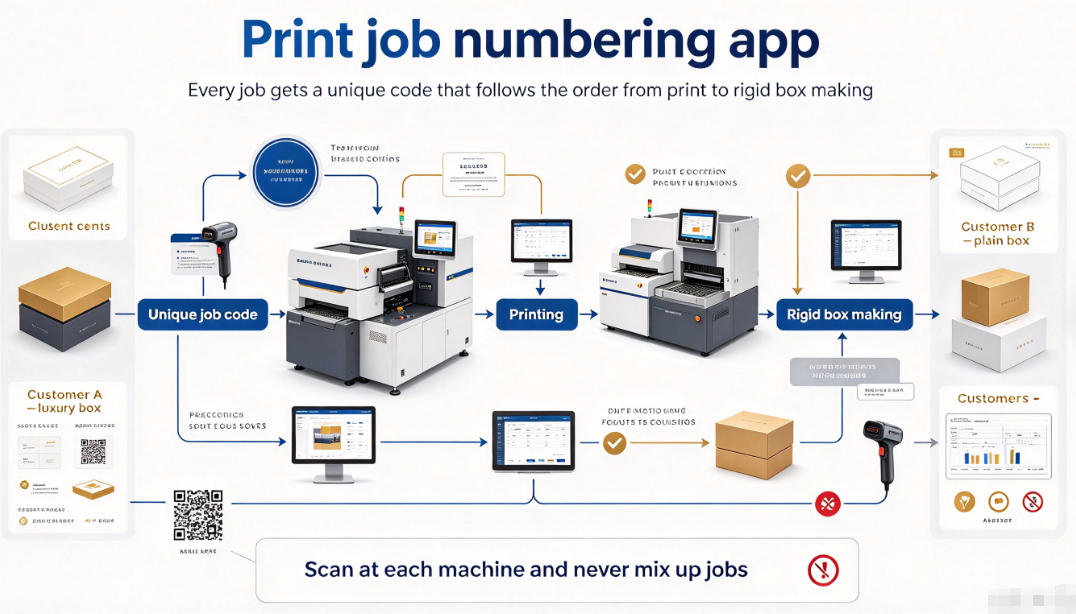
I spent two years selling rigid box machines to small and mid-size printers. The same problem kept coming back. They print 50 orders a day, but half the time the wrong cover goes on the wrong box. A numbering app fixes this. Read on to see how it works with the machines you already run. ## Why do print jobs get mixed up in post-press? You print 30 jobs, then send them to the box line. By day three, no one remembers which paper stack matches which order. I watched this waste $2,000 of material in one week.
Post-press jobs get mixed up because there is no shared ID between print and finishing. A numbering app creates one code at the start. Every worker scans the same code on every machine. No more guessing.
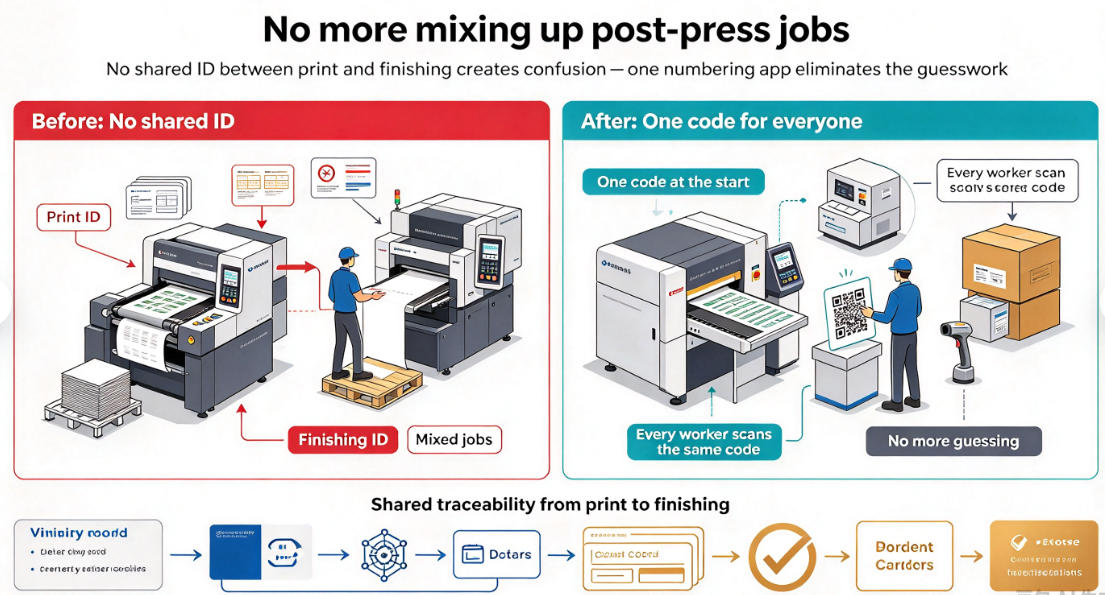 ### Three places where jobs get lost I break down the problem into three stops on your line:
| Stop | Common mistake | Cost |
|---|---|---|
| Paper cutting | Stacks have no label | Wrong size cut, reprint needed |
| Glue & wrap | Worker picks wrong printed sheet | Whole batch scrapped |
| Final packing | Boxes go to wrong customer | Refund and lost trust |
The fix is simple in theory. You attach a job number to the paper sheet. The number stays with the sheet through every machine. But here is the hard part. Most old machines cannot read a digital code. The worker still has to type the number by hand. That is where mistakes happen again.
I tell my customers to start with the machines that cause the most waste. For most rigid box lines, that is the glue spraying and wrapping step. Look at this Glue Spraying Assembly Machine on our site. It handles both books and boxes. When you run it with a printed job code, the operator confirms the code before the glue touches the board. One scan saves a full batch.
The other high-risk point is visual mixing. Two customers order the same size box with only a small logo difference. A human eye misses this at 60 boxes per minute. We solve it with the CCD Visual Anti-Mixing Detection Equipment . It scans every box and checks it against the job number in your app. If the logo does not match, the machine stops. ## Can a numbering app work with rigid box machines? You bought an expensive box wrapper last year. Now someone tells you to add an app. Will the two systems even talk to each other? This is the first question every buyer asks me.
Yes, a numbering app can work with rigid box machines. You do not need to replace your machines. Most apps connect through a simple scan code. The operator scans the code at the machine, and the app logs that the job reached this step.
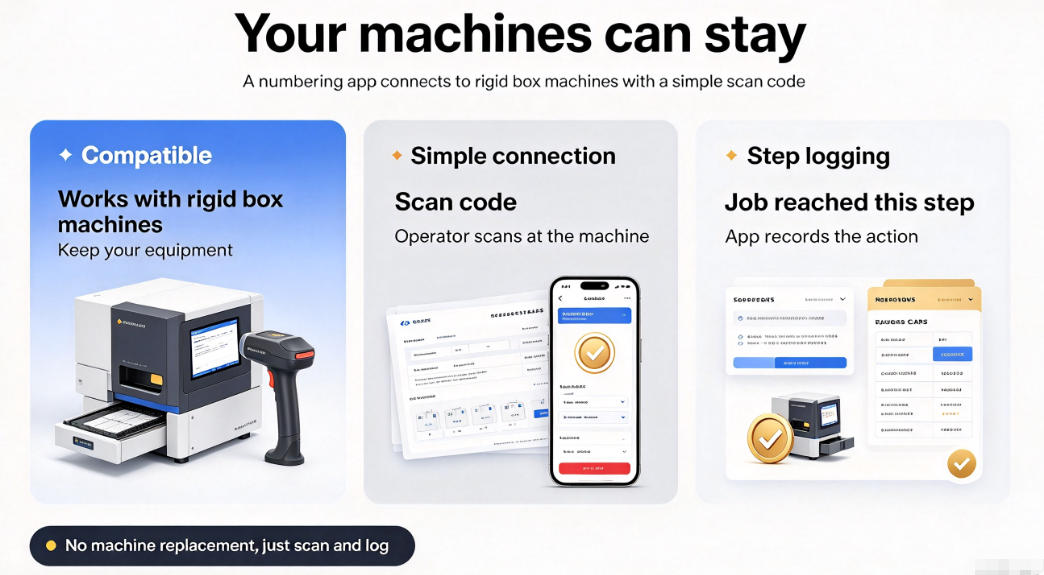 ### How the connection works There are three levels of connection. You can start at level one and move up later:
| Level | What you do | Cost |
|---|---|---|
| Level 1 | Worker scans code on a phone or tablet next to the machine | Low |
| Level 2 | Machine has a screen that shows the active job code | Medium |
| Level 3 | Machine reads the code by itself and adjusts settings | High |
Most small shops start at level one. It costs almost nothing. You print a QR code on the job sheet. The worker scans it with a cheap phone. The app records the time and the machine name. The boss sees the whole flow on a dashboard.
For level two, you want a machine with a clear control screen. Our Auto Rigid Boxes Machine 2025 version has a touch panel. The operator can see the current job number on the screen. If the wrong code is scanned, the panel shows a warning before the run starts.
I had a customer in Turkey who ran 40 box jobs a day. Before the app, they lost about 5 jobs a month to mixing. After level one setup, they lost zero. The only change was a $50 phone and a free app. The machine itself did not change. ## What mistakes do printers make when they add a numbering app? You install the app on Monday. By Friday, no one scans codes anymore. The boss gives up. I have seen this exact story play out at least 20 times.
The main mistake is asking workers to do too much. If scanning takes more than two seconds, they will skip it. Keep the step short and make the machine reward the scan. Then the app will stick.
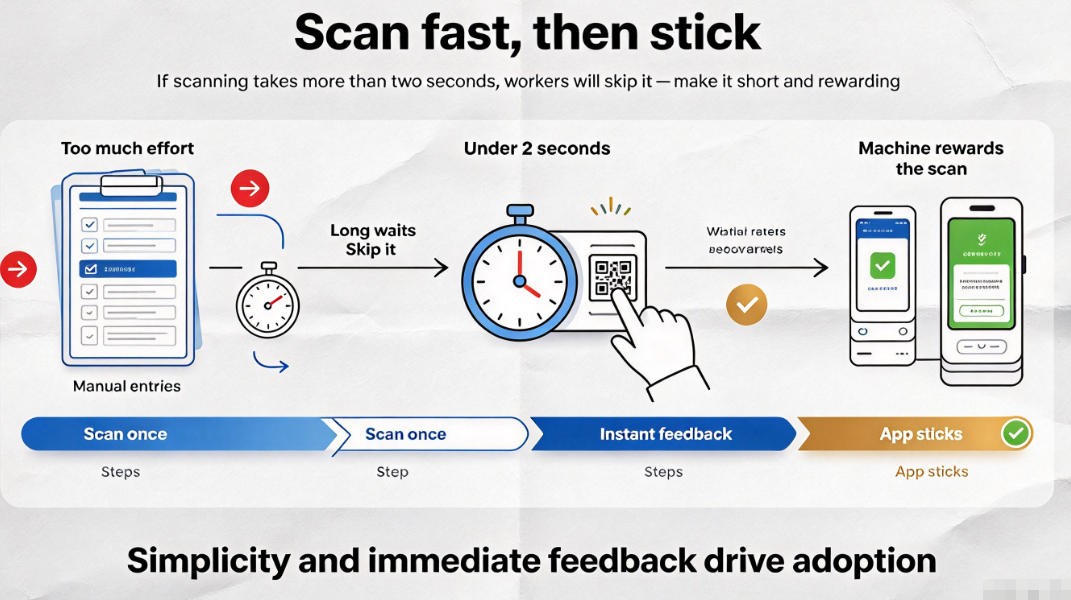 ### Four common setup mistakes I list the mistakes I see most often:
| Mistake | Why it fails | Fix |
|---|---|---|
| Too many fields to fill | Worker types for 10 seconds | Use only job number |
| No reward for scanning | Worker sees no benefit | Let scan unlock the machine |
| App crashes on old phone | Worker gives up | Use a mid-range phone |
| Boss checks but never acts | Data has no value | Review weekly and fix issues |
The biggest fix is the unlock rule. The machine only runs after a valid scan. This sounds strict, but it works. Workers stop seeing the scan as extra work. They see it as the way to start the machine.
For book cover lines, this is even more important. A book cover has many parts: the case, the lining, the head band. Each part can come from a different job. Our Ky-380 Hard Cover Making Machine combines several steps in one run. If the job number is not confirmed at the start, the whole run is wrong.
I learned this from a customer in India. They run 12 hard cover jobs a day. At first, they scanned only at the start of the day. By noon, the wrong cover went on three book blocks. We changed the rule. They scan before every new batch. The waste dropped from 8% to under 1%. ## Is a numbering system worth it for a small shop? You run five jobs a day, not 50. Is an app overkill? I hear this from small studios every week, and my answer may surprise you.
A numbering system is worth it even for five jobs a day. The cost is low, and the habit protects you when you grow. A small mistake on one order can cost more than the whole app setup.
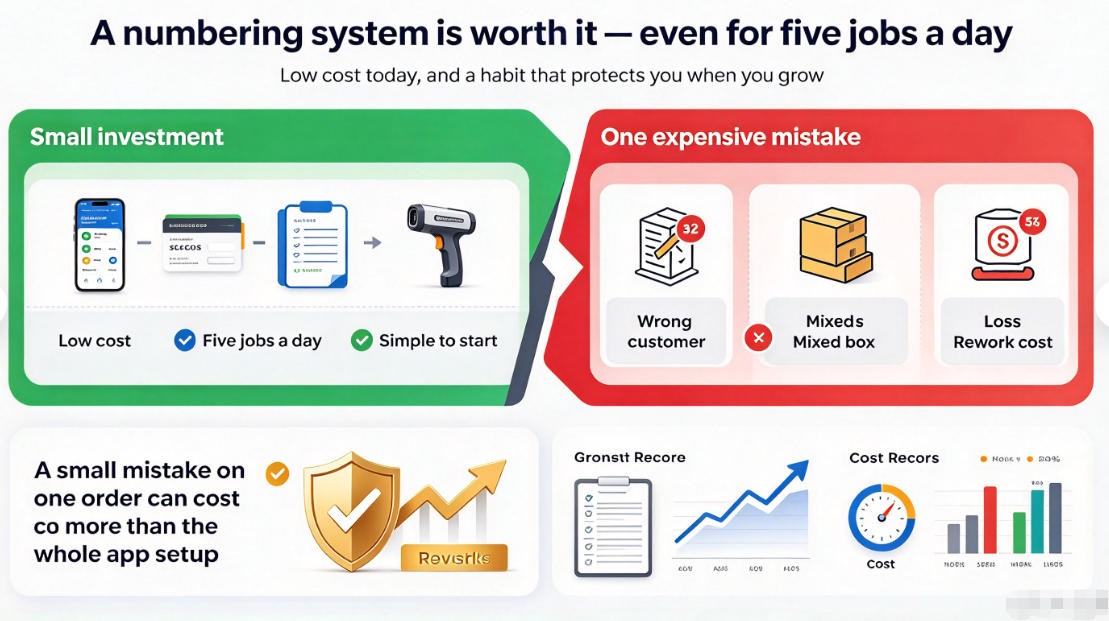 ### The real cost of one mixed job Let me count what one wrong box order costs a small shop:
| Item | Cost |
|---|---|
| Reprint paper and board | $150 |
| Labor to redo the run | $200 |
| Late delivery penalty | $100 |
| Customer trust | Hard to measure |
One mixed job costs at least $450. A basic numbering app costs $20 a month. A cheap phone costs $100 once. The system pays for itself in one month.
Small shops also benefit from a simple glue control step. If the glue is wrong for the job number, the box falls apart later. Our Viscosimeters glue control system keeps the glue at the right thickness for each job type. Pair it with the job number, and the right glue runs for the right order.
I started in this business with one used box machine and three workers. I did not number jobs. I lost two big orders in one month. That is when I changed. Today, every machine in our factory follows a job number from start to finish. You can do the same with the machines you already own. ## Conclusion A print job numbering app stops mixed orders, saves material, and grows with your shop. Start small with one machine and one scan rule.
Want to see which of our machines work best with a numbering app? Visit Kylin Machine and check the CCD Visual Anti-Mixing Detection Equipment and Auto Rigid Boxes Machine 2025 version . Fill in the contact form on any product page. I will send you a free workflow plan for your shop.

发表回复